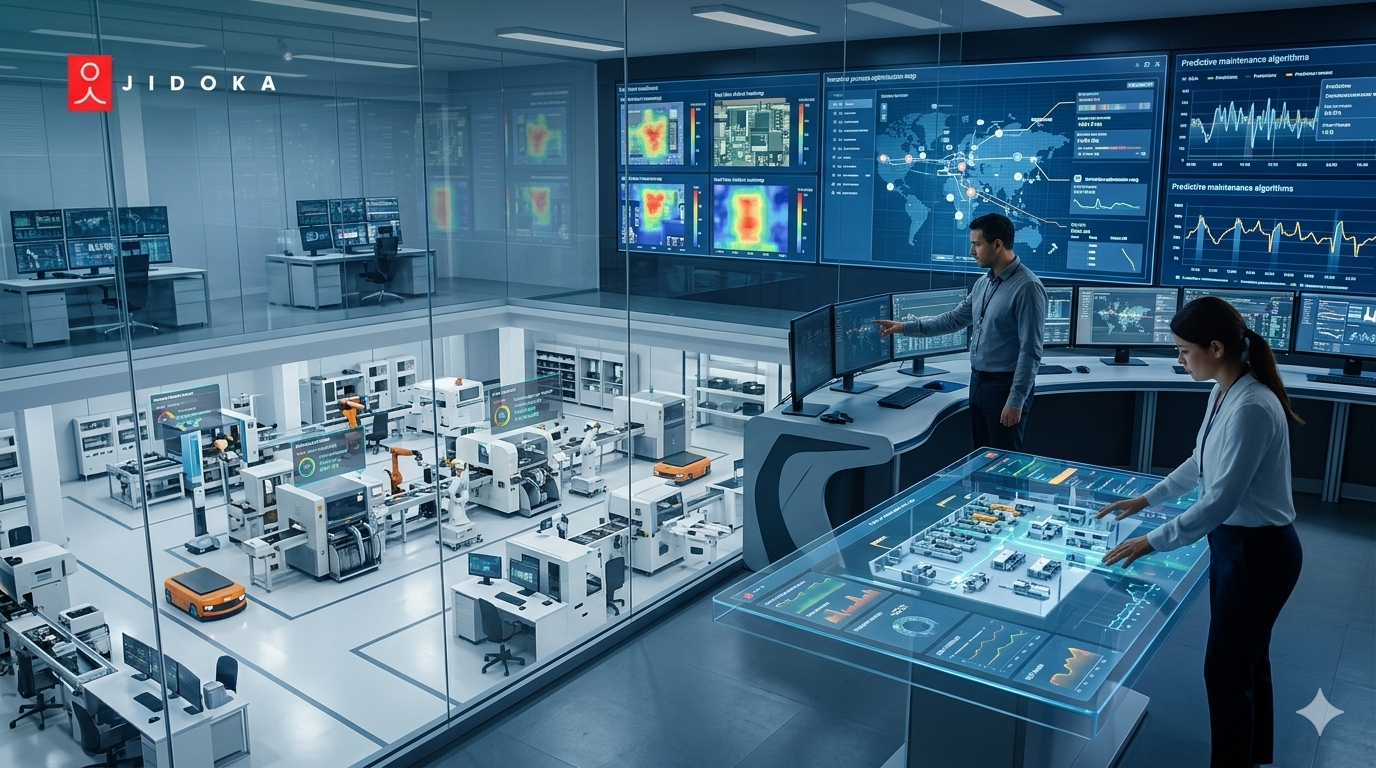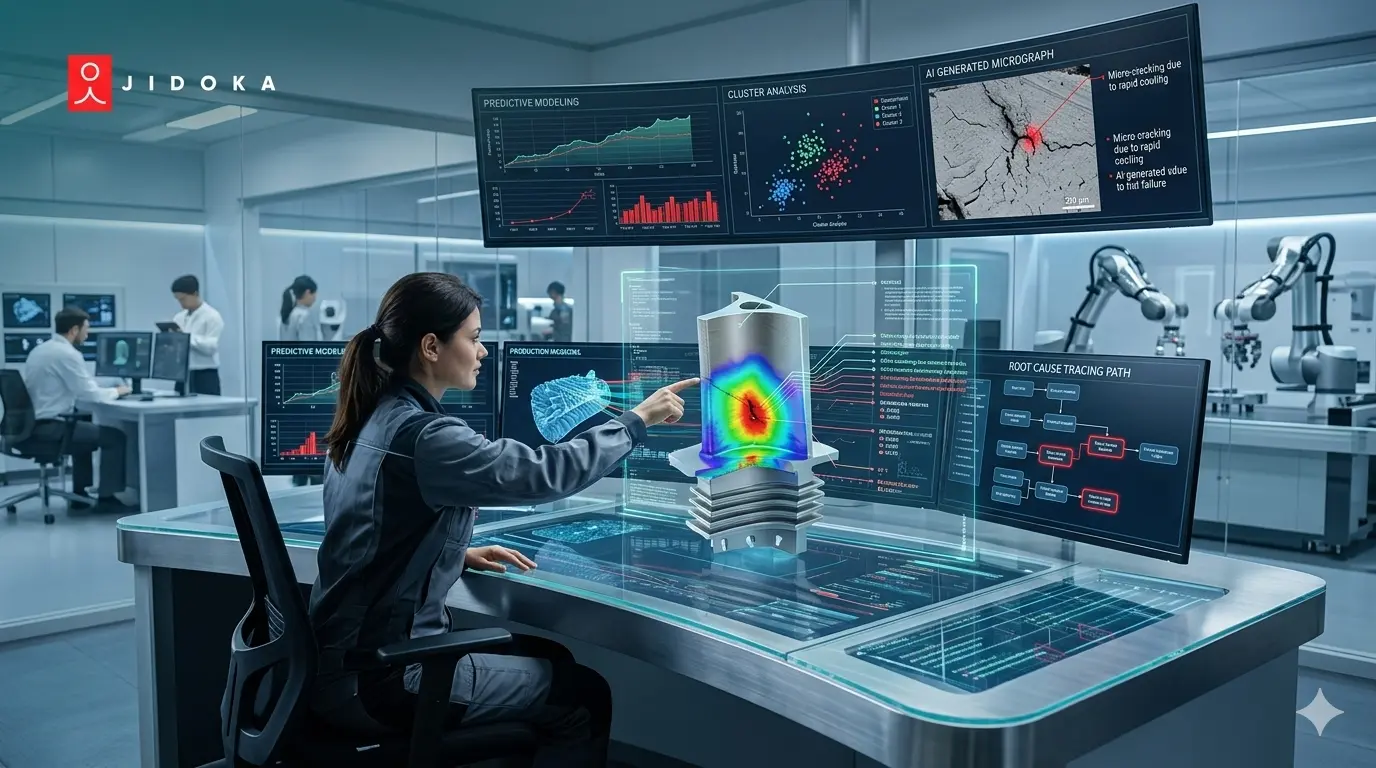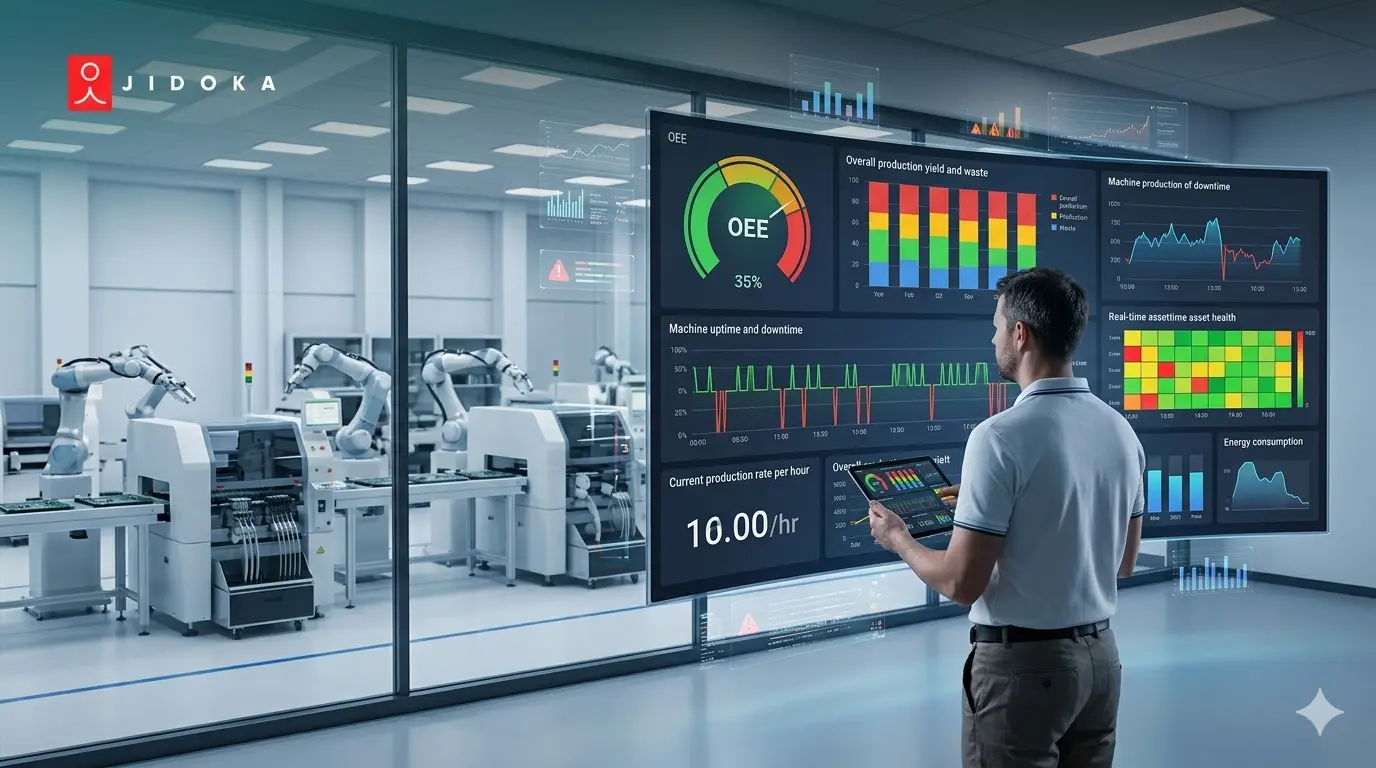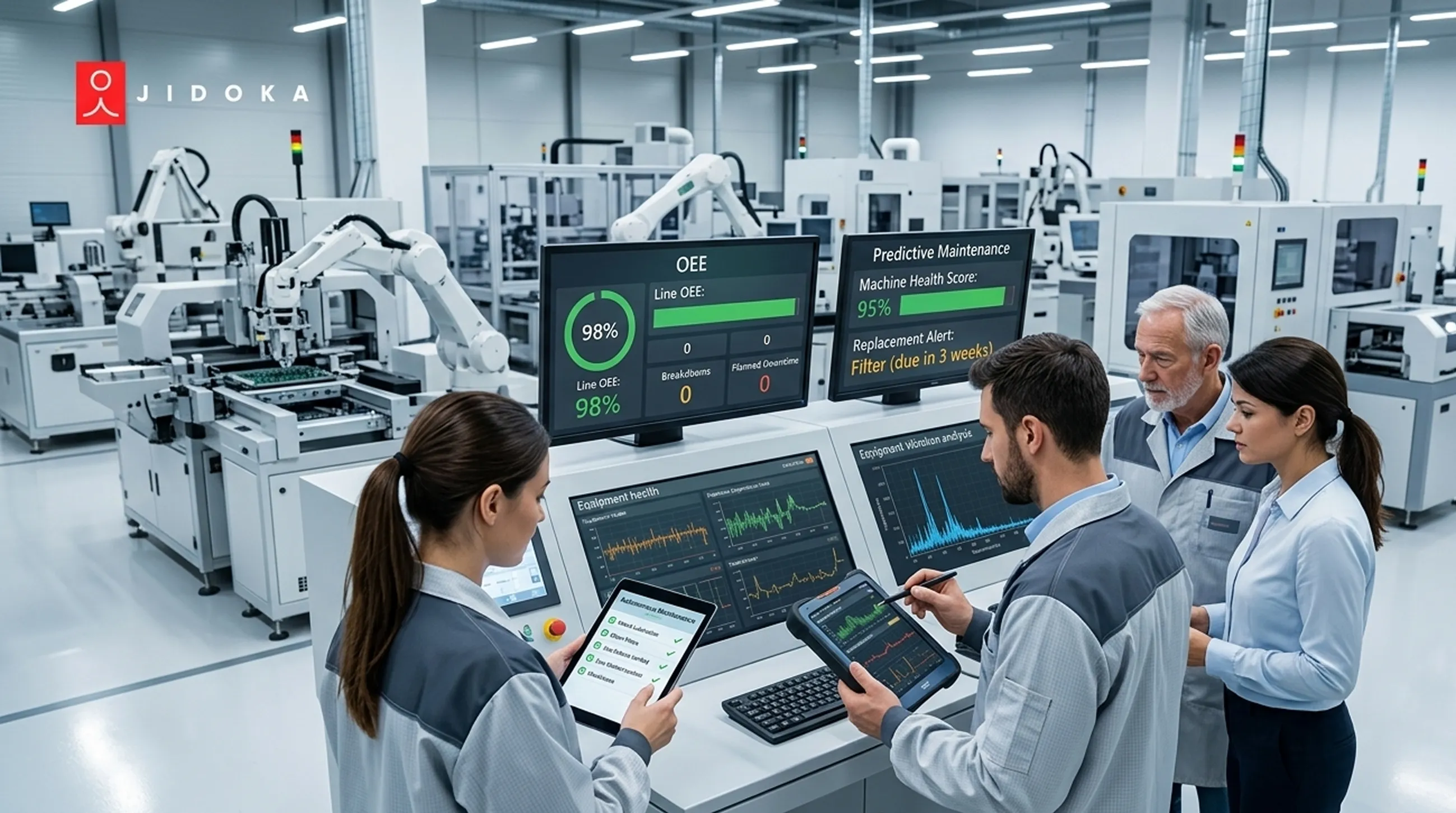
Most factories already have 8 to 30 cameras mounted on the production floor. Powered. Running. Recording every shift.
They're capturing nothing useful.
Those cameras log history. They don't flag the operator who skipped a torque step, the assembly station running at 60% cycle efficiency, or the machine that's been idle for 11 minutes with no alert fired. Your floor is generating zero intelligence from infrastructure you already paid for.
Real time production monitoring changes that. Not by replacing your cameras, but by adding the intelligence layer on top of them.
This guide explains exactly how that works, step by step.
Why Existing Cameras Are an Underused Monitoring Asset and What Changes When You Add Edge AI
Your cameras were installed for security. That's the problem.
A standard CCTV setup records video and flags motion. It doesn't support real time production monitoring in any meaningful way. No cycle counts. No step verification. No deviation alerts. The footage exists. Intelligence doesn't.
What edge AI actually adds
An edge AI processor connects directly to your camera's live feed and runs inference locally. No cloud round-trip. It turns passive recording into a functioning real time production monitoring system by identifying specific events as they happen:
- Machine running or stopped
- Operator performing the correct assembly step
- Component placed in the right position
- Cycle time logged from step start to complete
This is what shop floor live monitoring actually looks like in practice. Most modern IP cameras from Bosch, Hikvision, and Dahua already stream via RTSP protocol. That's the only compatibility requirement for your existing infrastructure.
The next question is what the system can actually see once it's connected.
What a Camera-Based Real Time Production Monitoring System Actually Sees and What It Cannot
Before you deploy anything, set the right expectations.
A real time production line monitoring system built on cameras is powerful for process and operator visibility. It is not a replacement for machine-level sensors.
A) What it sees
- Operator presence and action sequence verification
- Component placement confirmation before the next step begins
- Machine run/stop state changes from visible motion or indicator lights
- Cycle timing from step start to step complete
B) What it doesn't see
- Spindle vibration or bearing temperature
- PLC alarm codes or part-program status
- Any data requiring a direct machine connection
The right way to think about it
Real time manufacturing tracking software covers your process layer. IoT sensors cover your machine layer. The two work together. Real time production tracking software handles what your sensors were never designed to catch: the human steps, the assembly sequence, the skipped torques.
The 5-Step Implementation Sequence: From Camera Audit to Live Floor Monitoring
Most real time production monitoring deployments fail at Step 1. Not because the technology doesn't work. Because nobody audited the cameras first.
Here's the sequence that actually works.
Step 1: Camera Audit
Confirm every floor camera is IP-compatible and streams via RTSP. Check three things:
- Manufacturer and model compatibility (Bosch, Hikvision, Dahua work out of the box)
- Minimum 1080p resolution. Below this, object detection at distances beyond 3 meters becomes unreliable
- Field of view. The camera must fully cover the work area of interest, not just part of it
Flag any analogue units for IP conversion before moving forward.
Step 2: Station Selection
Don't monitor everything at once. Pick 2 to 4 workstations based on:
- Highest rework rate on the floor
- Most frequent customer complaint source
- Biggest shift-to-shift output variation
- Bottleneck station holding up downstream production
Start where the pain is most expensive.
Step 3: Edge AI Deployment
Install the edge processor on-premises at or near the monitored station. Connect it to the RTSP stream. Then configure the digital SOP. This is the exact sequence of steps, component list, and acceptance criteria the real time production line monitoring system will verify against every cycle.
Step 4: Calibration
Run the system in observation mode for 1 to 2 days with your most experienced operator performing the process correctly. The real time manufacturing tracking software builds its baseline from this. After calibration:
- Set deviation thresholds. What triggers an immediate alert vs. a logged event for supervisor review
- Schedule a re-calibration whenever a SOP update happens or a new operator joins the line
Step 5: Go-Live
Activate alerts to three outputs simultaneously:
- Operator station. Visual or audio alert at the point of work
- Supervisor dashboard. Tablet or Andon board with live deviation feed
- QMS or MES integration. Deviation logs feeding directly into your quality system
Define the floor response protocol for every alert type before you switch it on. A shop floor live monitoring system is only as useful as the action it triggers. If operators don't know what to do when an alert fires, the system becomes noisy within a week.