










WIDTH MEASUREMENT

Width Measurement System
to Catch Out-of-Spec Profiles Inline

KOMPASS works as an inline width measurement system across straight, tapered and stepped profiles. Calibrated cameras locate both edges at each defined position, compare every width with its limit and send the result to the line controls before a wrong part reaches assembly.

Discuss Your Width Check

Trusted by manufacturers to improve quality on the line

THE PROBLEM

Width Changes Where Nobody Measures It

A caliper reading usually captures one position on a part. Tapered sections, steps and slitting drift can put the width out of limit somewhere else along the same piece.

One Reading, One Position

Manual checks take width at a convenient spot. A taper, step or local bulge elsewhere on the part goes unmeasured.

Slitting and Forming Drift

Knife wear, strip wander and die wear change width gradually. Sampled checks find the change after many parts have already been made.

Edges Are Hard to Read

Burrs, rounded corners and low-contrast materials blur the true edge. Different inspectors judge it differently, and so does a poorly lit camera.
The Solution

Measure Width Wherever the Drawing Says

Our AI Product Inspection system, KOMPASS™, combines calibrated vision hardware with models trained on your edges, so the width measurement system checks every position your drawing defines. Every width is logged against its section, with an image for review.

Measure at Every Position That Matters

  • Define measurement positions along straight, tapered and stepped sections
  • Locate both edges at each position, including burred or rounded ones
  • Apply a separate limit to each section of the profile
  • Run several part variants, each with its own measurement plan
Every position
Not just one caliper point
Per section
Limits that follow the drawing
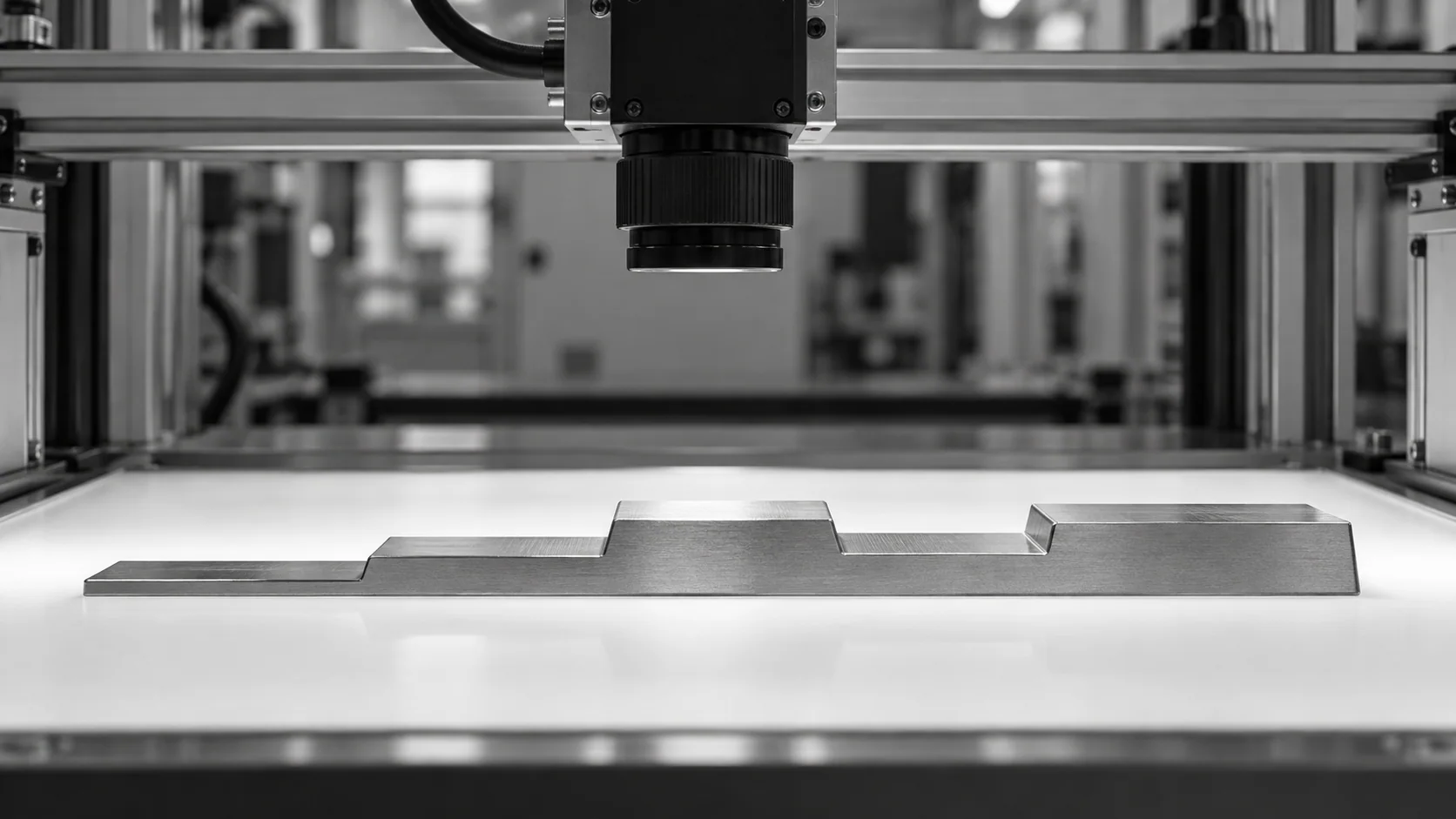
Conceptual illustration of a stepped metal profile beneath an overhead inspection camera.

Catch the Drift Before It Becomes Scrap

  • Trend width by position to reveal knife, die or strip wander
  • Send pass, fail or review signals to the line controller
  • Store each measurement with the part image for traceability
  • Alert the team when readings approach a limit
Live trend
Drift shown by position
Image and value
Evidence for every part
HOW IT WORKS

From Edge Detection to Width Decision

A reliable width measurement system starts with a view that shows both edges clearly. KOMPASS pairs that view with edge models trained on your parts and a direct link to the line response.

Highlight #1

Show Both Edges Clearly

Choose backlighting or front lighting for the material and calibrate the view. Wide or long parts may need a scanning camera or several fields of view.

Highlight #2

Measure Each Defined Position

The model locates both edges at every position on the measurement plan and calculates width, even where corners are rounded or burred.

Highlight #3

Decide and Record

Each width is compared with its section limit. Failing parts are held or rejected, and every reading is stored with its image for review.

Connect With Us

Send us your drawing, the width limits for each section and a few good and out-of-limit parts. We will assess the optics and handling the check needs.

Get In Touch

Where Each Width Check Fits

Calipers, offline metrology and inline vision answer different questions. The difference is how many positions and parts get measured, and when the line hears about it.

Measurement need
Manual gauging
CMM & offline systems
KOMPASS AI
Coverage
One or two positions on sampled parts
Many positions on sampled parts
Every defined position on every part, within the validated cycle
Tapered and stepped sections
Slow to measure fully
Measured thoroughly, away from the line
Each section checked against its own limit
Reaction to drift
Found at the next check
Found when lab results return
Visible in the per-position trend
First-Time-Right
Depends on sampling luck
Confirms capability after production
Holds out-of-limit parts before the next operation

Frequently Asked Questions

How is width measured from a camera image?

A camera-based width measurement system starts by locating the edge position on both sides of the part at a defined point. Pixel calibration, done with a reference target, converts the distance between those edges into millimetres. KOMPASS models are trained on your edges, so burrs, rounded corners and surface marks do not shift the reading. The calculated width is then compared with the limit for that section of the part. Each reading is stored, so a reviewer can see exactly where both edges were found.

Can it handle parts that change width along their length?

Yes. A tapered profile is measured at several positions, each with its own nominal value and limit, instead of one reading at a convenient spot. A stepped profile with shoulders or slots is handled the same way. The measurement plan lists every position from the drawing, and the station reports which section failed. That makes the result useful for adjusting the tool that produced it, not only for rejecting the part.

When should we use backlighting?

Backlighting, or transmitted light, gives the sharpest edges on opaque parts because the part becomes a dark silhouette against a bright field. It is the usual choice for edge-to-edge measurement of stampings, cut blanks and profiles. Telecentric optics help when part height varies or parts sit at slightly different distances from the camera. Transparent or very thin materials may need front lighting or another technique after a trial.

What about long or continuous strip?

For cut strip, tape or extruded profiles, strip width measurement can run as the material passes the camera. A line-scan camera builds the image line by line as the material moves, which suits long or wide parts. The view must keep the material at a stable height, because height changes alter the apparent width. Edge guiding or a support roller at the measuring point usually solves that problem. For discrete cut pieces, the same view can also confirm that each piece was cut square.

Why measure width without touching the part?

Non-contact width measurement never touches the part, so soft, coated, hot or delicate materials are not marked or deformed. It also removes the variation that comes from how firmly an inspector closes a caliper. Because nothing has to be clamped, every part can be measured at line speed, provided the exposure, trigger and part spacing are designed around the conveyor.

How do we prove the readings are reliable?

Validate the installed station with a repeatability and reproducibility study on parts that cover the full tolerance band, including parts just inside and just outside each limit. Compare the results with your reference gauge. If the station's variation uses too much of the band, change the lens, resolution or part presentation before switching on automatic rejection. Repeat the check after any change to optics or fixtures.

Can one width measurement system check several variants?

Yes, if the variants can be presented in the same view. Each variant gets its own measurement plan with positions and limits, selected by recipe, barcode or a signal from the line. Changeovers then load the right plan automatically. Very different part sizes may need a second field of view or a different lens, which is assessed during scoping instead of after installation. Recipe changes are logged, so every result can be traced to the plan that produced it.

What should we send to start?

Send the drawing with every width position and limit, the variants, the line speed and a description of how parts arrive at the station. A few good parts plus known narrow and wide parts let us test lighting and optics quickly. We will then recommend the camera layout, measurement plan and reject point for a width measurement system on your line.

CONNECT WITH OUR EXPERTS

Show Us the Width Your Current Check Misses

Share your drawing, section limits, part variants and line speed. We will assess every position the station must measure, then lay out timing and cost with you. Most KOMPASS projects go live within 6 to 8 weeks.

Discuss Your Width Check
Close video