









CYCLE-COUNTING AUTOMATION

AI Inventory Counting
to Catch Record Errors Between Counts

NAGARE brings AI inventory counting to the warehouse cameras you already have. Stock movements and storage locations are tracked continuously, counts are compared with the system record and differences are flagged as they appear, so errors are caught between scheduled counts instead of months later.

Plan a Counting Pilot

Trusted by manufacturers for error-free manual operations

THE PROBLEM

Records Drift Quietly Between Counts

Every pick, putaway and move is a chance for the system record to drift from what is on the shelf. Scheduled counts find the gap weeks later, when orders have already been promised against stock that is not there.

Counting Takes People Off Orders

Teams counting locations by hand are not picking or shipping, so counts are squeezed into quiet periods or skipped.

Errors Hide Until a Pick Fails

A short location shows up when a picker arrives and finds it empty, delaying the order and triggering a search.

Counts Are Snapshots

A count is accurate on the day it is done. The next mis-pick or wrong putaway starts the drift again.
The Solution

Count Continuously With the Cameras You Have

Our AI process monitoring software, NAGARE™, performs AI inventory counting from existing warehouse cameras, recording what is placed in and taken from each storage location. Differences from the system record are flagged for checking straight away.

Track Stock in Every Location

  • Record putaways, picks and moves as they happen
  • Count cases or units visible in each location
  • Compare results with the warehouse system record
  • Flag differences for a targeted check
Continuous
Counts between schedules
Every location
Compared with records
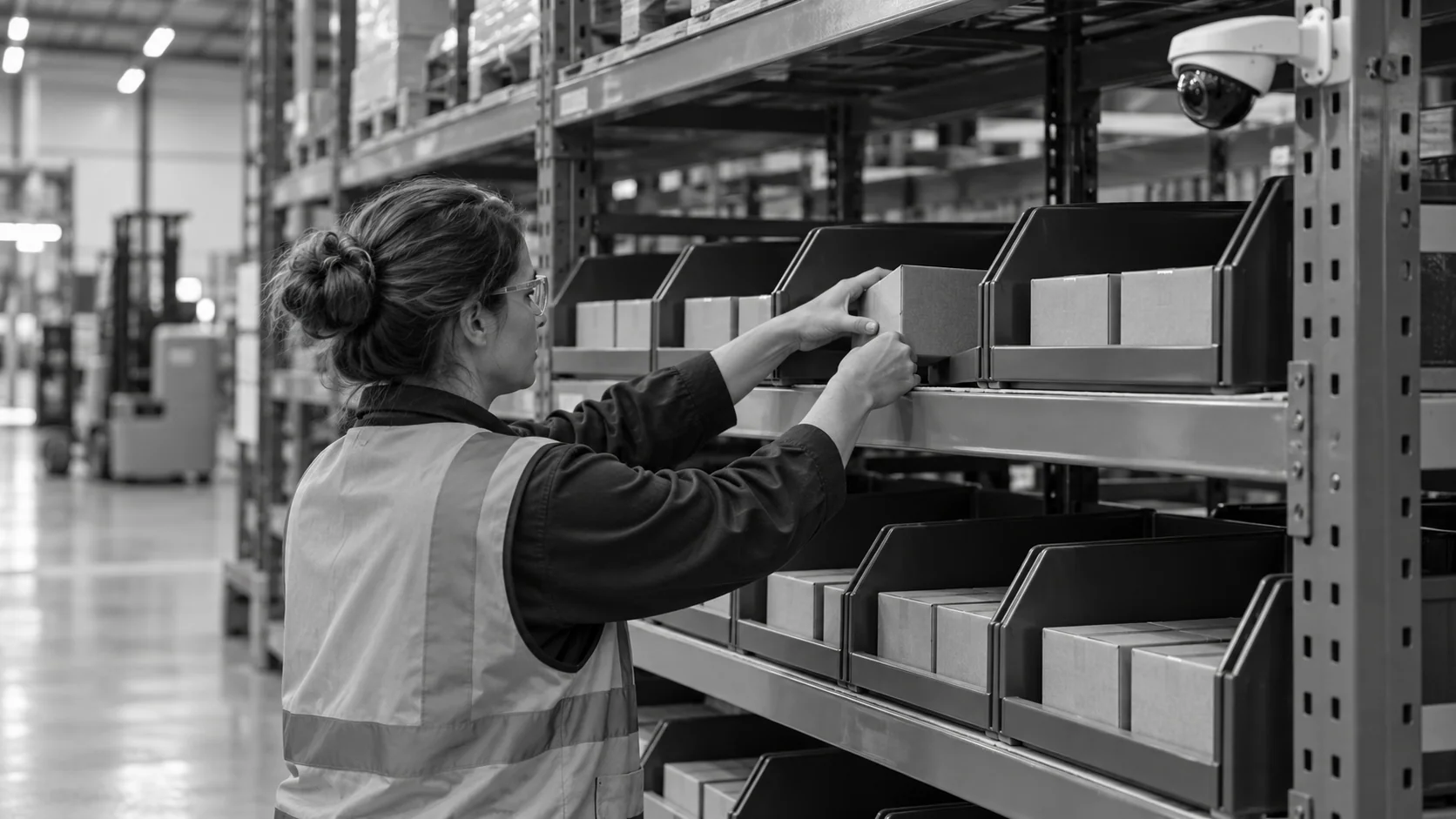
Conceptual illustration of a carton being placed into a visible warehouse bin beneath an aisle camera.

Focus People on Real Discrepancies

  • Send counters only to locations with a difference
  • Prioritise high-value and fast-moving items
  • Keep image evidence for each count
  • Feed reviewed corrections through an agreed warehouse-system interface
Targeted
Checks where records differ
Image-backed
Evidence for every count
HOW IT WORKS

How Camera Counts Keep Records Accurate

AI inventory counting with NAGARE uses the warehouse's own camera network to watch storage locations and the movements in and out of them, then reconciles what it sees with the system.

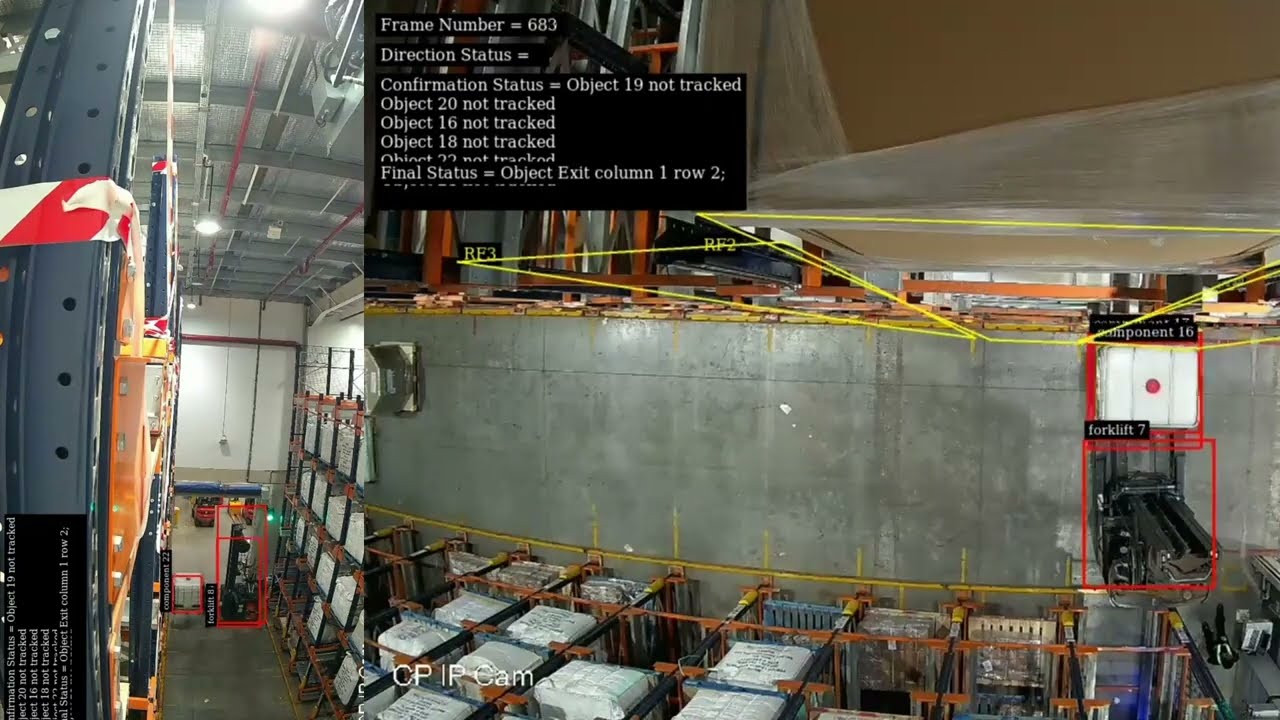
Official video frame showing warehouse material and forklift tracking with a row-and-column storage location status
Warehouse application: tracked material movements update rack records, and a separate scene counts packages carried by a forklift. Unseen stock still requires an appropriate view.
Highlight #1

Map Cameras to Locations

Existing cameras are linked to the racks, bays and floor locations they can see, and gaps in coverage are identified.

Highlight #2

Watch Movements and Stock

Putaways, picks and visible stock levels are recorded for each location throughout the day.

Highlight #3

Reconcile and Flag

Results are compared with the system record, and locations with differences are sent for a quick check.

Connect With Us

Send a camera layout for one aisle and a sample of your count variances. We will show what continuous counting would catch.

Get In Touch

AI Inventory Counting Compared With Other Methods

Every method checks stock against the record. They differ in how often, at what cost and how much disruption they cause.

Counting need
Manual cycle counts
Scanners and drones
NAGARE AI
Frequency
Scheduled, often monthly
Periodic scans
Continuous
Disruption
Staff taken off orders
Equipment runs off-shift
Runs during normal work
Hardware
Handhelds only
Scanners, robots or drones
Existing CCTV where coverage allows
Discrepancy visibility
Errors found weeks later
Errors found at the next scan
Errors flagged as they appear
CUSTOMER SUCCESS

P&G Records Inventory in Every Storage Location

P&G connected NAGARE to the CCTV cameras already in its warehouse, recording inventory in every storage location and flagging differences from the system record.

Official Jidoka case-study cover for P&G and Maruti Suzuki process optimization
P&G Records Inventory in Every Storage Location
Warehousing

These are P&G's published warehouse results from the joint P&G and Maruti Suzuki case study.

  • 30% improvement in inventory accuracy
  • No additional hardware, with edge processing for data security

Frequently Asked Questions

How does inventory cycle counting work today?

Most warehouses count a small set of locations each day or week instead of shutting down for a full count. ABC analysis decides how often each item is counted, with valuable or fast-moving items counted most. It keeps records reasonably accurate, but it depends on people being free to count and checks each location only occasionally, so errors can sit unnoticed for weeks. Counting also competes with picking for the same people, and picking usually wins on a busy day.

What does a camera add to that process?

With camera inventory counting, locations are watched all day, so a difference between what was moved and what the record says can be flagged as soon as it happens. Counters then check only the locations with a problem, instead of working through a fixed list. The count frequency for each location effectively rises without adding labour or overtime. Scheduled counts can continue for items the cameras cannot see, so nothing falls out of the programme.

Can it use our existing CCTV?

Often, yes. P&G's deployment used cameras already installed in its warehouse, with no additional hardware. Coverage is reviewed first: locations a camera cannot see clearly may need a repositioned or additional camera, and very high racking may need a different view. The review shows which zones can be counted from what you already have and which need changes.

Why does the system show stock that is not there?

Phantom stock appears when the system shows stock that is not physically there, usually because of a mis-pick, a putaway to the wrong location, damage that was not recorded or a transaction posted twice. Pickers sent to an empty location lose time, and orders are delayed. Watching the movements that create these errors lets them be corrected at the source rather than at the next count.

How does it keep a perpetual inventory accurate?

An ongoing stock record depends on accurate transactions as well as a clear record of the stock each observation can cover. Camera evidence can support a comparison of visible movements with the warehouse transaction record where the identifiers, interfaces and timing are agreed. It does not establish every hidden item or unobserved transaction. Review discrepancies and obtain the required approval before adjustments, then track count variance on a comparable basis. Define the correction workflow rather than assuming counts write back automatically.

Does it replace a full physical count?

That depends on your auditors and regulations. Many organisations still perform an annual stocktake, but continuous counting can reduce its scope or support a move to cycle-based audits. Image records for each count give auditors useful audit evidence, because they show what was counted, where and when, without relying on handwritten sheets.

Which items should be watched first?

Start where errors cost most: high-velocity SKUs that are picked many times a day, high-value items and locations with a history of variances. These give the fastest improvement in accuracy and the clearest return. Slower items can follow once the process is running and the team trusts the results it produces. Seasonal items can be added before their peak, when errors are most costly.

What should we send to plan AI inventory counting?

Send a layout of the warehouse zone with camera positions, recent count variances by location and an export of the items stored there. Note how WMS records are corrected today and who approves adjustments. With that, we can check camera coverage, propose a starting zone and show how differences would be flagged and resolved.

CONNECT WITH OUR EXPERTS

Show Us the Locations That Never Match the System

Share your camera layout, count variances and the locations that cause most trouble. We will plan AI inventory counting for that area and explain timing and cost. A first warehouse zone typically goes live within 4 weeks.

Plan a Counting Pilot
Close video