










IDLE-TIME & MICRO-STOPPAGE DETECTION

Minor Stoppages Captured to Find the Output You Are Losing

NAGARE records minor stoppages and idle time at manual and semi-automated stations from video, including the short pauses that never reach a downtime log. Each stop is timed, tagged with what the camera saw and grouped by cause, so recurring losses become visible and fixable.

Find Your Hidden Stops

Trusted by manufacturers for error-free manual operations

THE PROBLEM

Short Stops Add Up to Lost Shifts

Minor stoppages last seconds or a few minutes, so nobody logs them. Across a shift and a line, they can quietly cost more output than the breakdowns everyone talks about.

Below the Reporting Line

Many downtime systems ignore events under a set duration, so the most frequent stops never appear in reports.

Machines Report, People Do Not

A PLC can record that a machine waited. It cannot say that the operator was searching for parts or clearing a jam by hand.

No Cause, No Fix

Without the reason for each stop, improvement teams guess, and the same small losses repeat every shift.
The Solution

See Every Minor Stoppage and Why It Happened

Our AI process monitoring software, NAGARE™, detects minor stoppages and idle time from station video and attaches what was happening at the time. Stops are timed, grouped and linked to clips, so causes can be fixed rather than estimated. The downtime reduction figure is a product-level NAGARE metric, rather than a measured saving for the pauses on your line.

Capture Stops Too Short to Log

  • Detect pauses and waits of a few seconds or more
  • Separate operator waits from machine stops
  • Apply the same threshold on every shift
  • Count frequency as well as total duration
Every stop
Timed from video
Seconds
Shortest stops counted
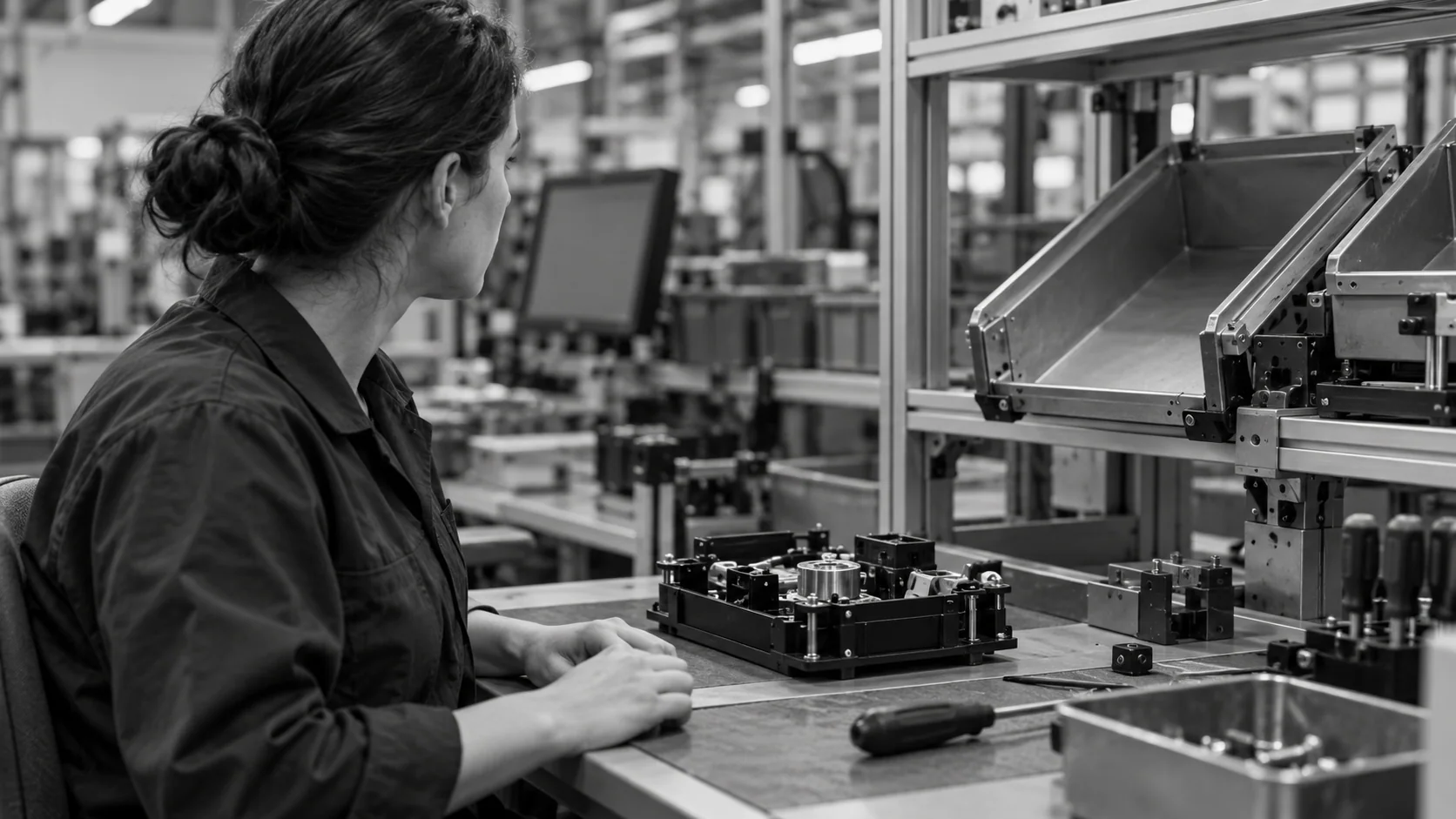
Conceptual illustration of an operator waiting beside an empty parts feeder at a manual assembly station.

Attach a Cause to Each Loss

  • Group stops by what the camera saw
  • Link each stop to its clip for review
  • Rank causes by time lost per shift
  • Track whether fixes reduce the loss
30%
Downtime reduction
Ranked causes
Where to act first
HOW IT WORKS

How Minor Stoppages Are Detected

NAGARE watches the station for the moments when work should be happening and is not. Each pause is timed and described by what the camera saw, then grouped with similar stops.

Highlight #1

Define Normal Work

Recorded cycles show what productive work looks like at the station, so the model can recognise when it stops.

Highlight #2

Time Every Pause

Stops and waits are timed using agreed event definitions, recording resolution and thresholds. Validate short and obscured events against representative station footage.

Highlight #3

Group by Cause

Stops are grouped by what was happening, such as waiting for parts or clearing a jam, and ranked by time lost.

Connect With Us

Send a shift of station video and your current downtime report. We will show the minor stoppages the report leaves out.

Get In Touch

Minor Stoppages: Manual Logs, Machine Data and Video

Each source records some lost time. They differ in the shortest stop they catch and whether a cause comes with it.

Monitoring need
Manual logs
PLC and OEE systems
NAGARE AI
Shortest stop recorded
Several minutes
Set by a threshold
A few seconds
Manual work
Recorded if remembered
Not visible
Recognised from video
Cause of each stop
Written later, if at all
Machine state only
Clip and grouped cause
Loss visibility
Losses guessed
Losses partly visible
Losses measured and ranked

Frequently Asked Questions

What counts as a minor stoppage?

Definitions vary by site, but minor stoppages are usually short interruptions, from a few seconds to a few minutes, that are cleared without maintenance. In Japanese plants they are called chokotei. Typical causes are jams, misfeeds, sensor trips and brief waits for material. Agreeing a definition matters, because the threshold decides which events count and which disappear from reports, and different lines often use different rules.

Where do they sit in OEE?

Within the six big losses, minor stops and idling are commonly treated as performance loss below the site's agreed stop threshold. Longer recorded stops affect availability under that convention. Define the logging threshold and planned production time consistently before comparing OEE between lines. Operator waiting and a lack of incoming material at manual stations also need explicit definitions. Not every pause should automatically be assigned the same equipment-loss category. Named events and reviewed clips help teams understand the reported loss.

Why do downtime systems miss them?

A detailed stop-log cutoff can omit brief events from the detailed stop log, although their effect may remain in the performance factor. Camera observations may support a shorter event threshold where the action and view allow it, but the minimum useful duration depends on the configured method and recording resolution. Validate short stops and false events before reporting them as measured losses. Keep clips and agreed event categories so a more detailed report remains reviewable rather than becoming noise.

How is waiting at a manual station recognised?

A wait needs a station-specific definition. Still hands do not necessarily mean nonproductive time: the operator may be holding a part during a productive machine or curing step. Agree which visible actions and station signals distinguish work, waiting for parts and material starvation. Camera evidence can support those classifications where the cause is visible. Ambiguous pauses need a review or an additional input. Validate the categories across normal variations before comparing shifts or assigning loss causes.

Can it show stations that are blocked or starved?

Blocked and starved are useful line states: a station may wait for downstream space or for upstream work. Camera views, buffer observations and available machine signals can help identify those patterns where the relevant context is visible. A clip of one paused operator does not establish the upstream cause on its own. Review neighboring stations and the event definitions before concluding that a buffer or work-content change will fix the loss.

Does it replace the causes operators enter by hand?

Manual reason codes can be missing or inconsistent, especially for frequent short events. Reviewed clips may help the team classify visible causes without repeatedly interrupting work. Keep operator input for causes the camera cannot establish, such as a quality hold or a supervisor request. Agree the categories and any automatic classification rules during setup, then validate them against representative events. Treat an uncertain cause as uncertain rather than assigning it to the first available category.

How is this different from tracking activity on office computers?

Office tools measure keyboard and mouse activity to report idle time when a person is away from a computer. Here the camera measures whether work on the product is happening at a manufacturing station, and the purpose is to find process losses, not to monitor individuals. Results are reviewed by station and cause, and small stops are treated as a line problem to fix.

What should we send to start micro stoppage detection on a line?

Send a full shift of video from one or two stations, your current downtime report and the line's takt. Note which losses you already suspect and which stations you think are affected. With that, we can define normal work, set the threshold for minor stoppages and show which causes are costing the most time on that line.

CONNECT WITH OUR EXPERTS

Show Us the Line Where Output Leaks Away

Share a station video, your takt and your downtime logs. We will plan minor stoppages tracking for that line and explain timing and cost. The first stations usually report live data within 4 weeks.

Find Your Hidden Stops
Close video