










BATCH & LOT CLASSIFICATION

Lot Segregation
to Catch Mixed Lots Before They Are Packed

KOMPASS brings lot segregation to the line, classifying every item by batch or lot as it moves. AI vision reads lot identity from codes, labels or visual markers, confirms each item belongs to the batch being packed and routes or flags any item from another lot.

Discuss Your Lot Check

Trusted by manufacturers to improve quality on the line

THE PROBLEM

One Item From the Wrong Lot Widens Every Recall

Traceability depends on each pack holding items from one known batch. Without lot segregation on the line, lots mix at changeovers, merge points or rework, and a recall has to include every lot that might be inside.

Lots Mix Where Lines Merge

Buffers, accumulation tables and merging conveyors carry items from the end of one batch into the start of the next.

Manual Logs Are Error-Prone

Operators record lot changes by hand. A missed entry or a transposed number breaks the link between product and batch.

Mixed Lots Are Found Too Late

A mixed pack is usually discovered during a complaint or recall, when the cost of proving which items are affected is highest.
The Solution

Classify Every Item by Its Lot

Our AI Product Inspection system, KOMPASS™, enforces lot segregation by reading each item's lot identity from codes, labels or visual markers and checking it against the batch being run. Each lot decision is stored with an image of the item.

Read the Lot Identity of Every Item

  • Read lot and batch codes printed on items or labels
  • Recognise visual lot markers such as colour tags or label variants
  • Assign each item to its batch
  • Flag items whose lot cannot be read for review
Every item
Assigned to a lot
Code or marker
Read from the item itself
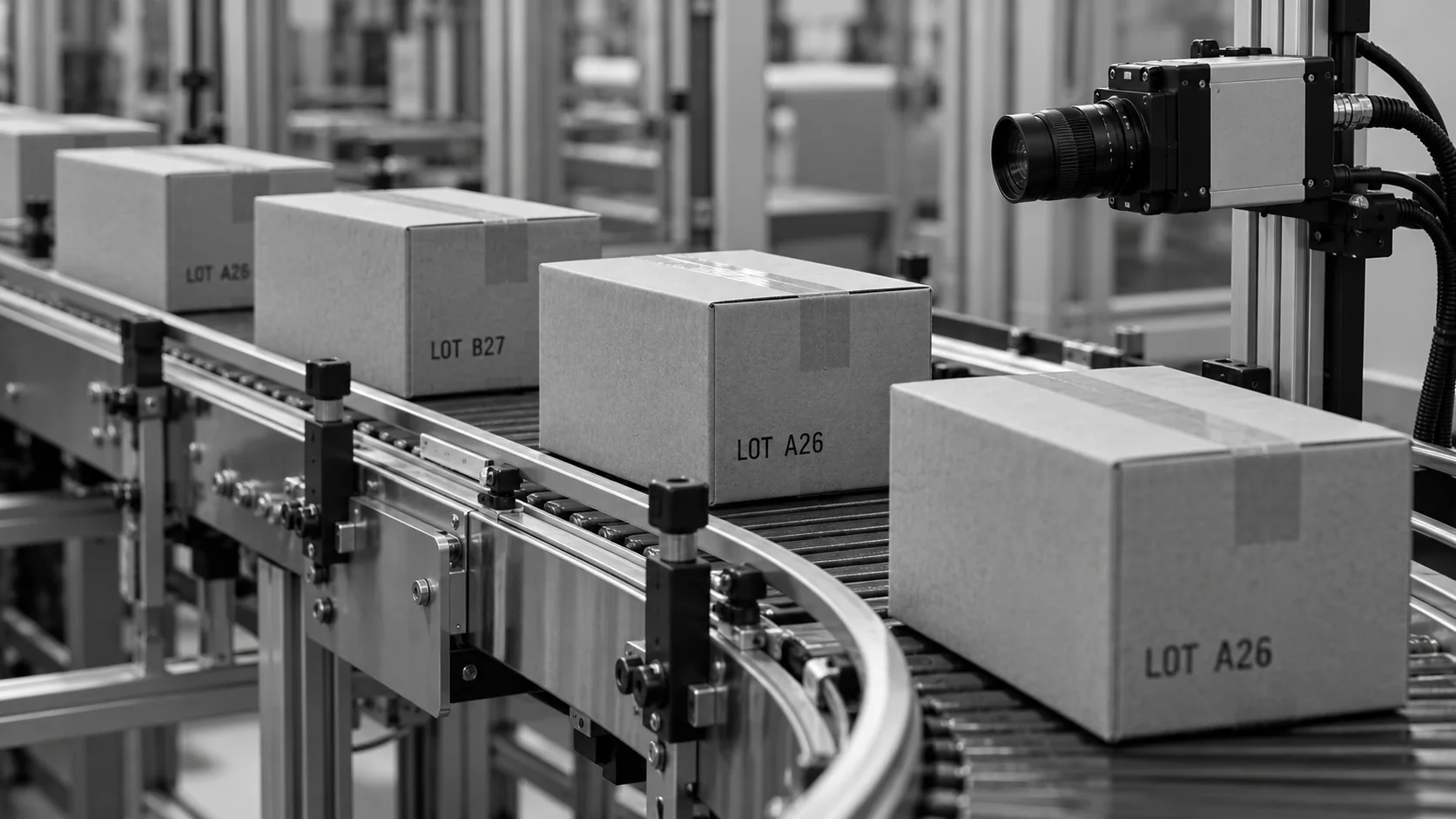
Conceptual illustration of cartons with different sample lot codes at a camera checkpoint.

Keep Batches Apart at Every Merge Point

  • Route items to divert lanes by lot where batches run together
  • Stop or flag the line when an item from another lot appears
  • Record lot boundaries automatically at changeover
  • Store every result for traceability and audits
Automatic record
No manual lot logs
Image evidence
Proof for every item
HOW IT WORKS

From Item to Lot Decision

Lot segregation depends on reading each item's identity reliably and knowing which batch should be running. KOMPASS combines both with a direct link to diverters and your production records.

Highlight #1

Capture Each Item's Identity

A camera captures every item where its code, label or marker is visible, with lighting set for the surface.

Highlight #2

Read and Classify by Lot

The model reads the lot identity and compares it with the active batch, or assigns the item to the right lane.

Highlight #3

Route, Flag and Record

Items from another lot are routed or flagged, lot boundaries are logged and every result is stored.

Connect With Us

Send us examples of how lots are marked and where batches can mix. We will assess the view, reading and routing your lot segregation needs.

Get In Touch

What Changes When Every Item Is Classified by Lot?

Each method supports traceability. The difference is whether lot segregation checks every item where batches can mix.

Segregation need
Manual segregation
Barcode scanning
KOMPASS AI
Mixed lots at merge points
Found if someone notices
Caught when codes are scanned
Checked on every item in view
Items without barcodes
Judged by eye
Cannot classify
Classified from printed codes or markers
Lot change records
Written by hand
Logged when scanned
Logged automatically with images
First-Time-Right
Depends on careful logs
Depends on scan coverage
Keeps batches separate before packing

Frequently Asked Questions

What does automated lot checking involve?

Lot segregation with KOMPASS means reading the lot identity of every item on the line and confirming it belongs to the batch being packed. Items from another lot are flagged or routed to a separate lane. The result is a line where batches stay apart automatically, instead of relying on operators to keep lots separate through procedures and paperwork alone. Each decision is stored with its image, which gives quality teams evidence for every pack.

How is the lot of each item identified?

Most often from lot codes printed on the item, its label or its pack, read with AI OCR trained on your print. Where items carry no readable code, visual markers can be used instead, such as colour tags, label variants or tray markings. The method depends on how your process marks each batch at the point where items can mix. Items whose lot cannot be read are sent for review rather than assumed.

Where do batches usually mix?

Mixed batches usually appear at merge points, accumulation tables and buffers, where items from the end of one run meet the start of the next. Rework, returns and manual top-ups are other common sources. A check placed after these points catches stray items before they reach packing, where mixing becomes far harder to undo. Placing the check at the right point keeps a small mix-up from becoming a large one.

How does this improve traceability?

Each item's lot is recorded automatically with its image and time stamp. That strengthens lot traceability by proving which batch went into which pack, without relying on manual logs that suffer transcription errors. If a recall is needed, a clean record narrows the recall scope to the lots actually affected. It also saves time during audits, because the evidence is already organised by lot.

Can it record lot changes at changeover?

Yes. During a batch changeover, the station records exactly when the last item of the old lot and the first item of the new lot passed. Those lot boundaries are stored automatically, so production records show where each batch starts and ends. Items that appear out of sequence after the change are flagged immediately. The boundary record can be shared with your production system for complete batch documentation.

Can it route items to different lanes by lot?

Where several batches run together by design, divert lanes can separate items by lot after the camera classifies them. Each item is tracked to the diverter so it reaches the right lane. Where only one batch should be running, a stray item is rejected or the line is stopped instead. Lane assignments are logged so the contents of each lane can be confirmed later.

How is this different from verifying a lot code is correct?

Verifying a lot code checks that a printed code matches what should have been printed. Lot classification uses the code, or another marker, to decide which batch an item belongs to and to keep batches apart. The two work together: one confirms the code is right, the other uses it to protect batch identity. Running both checks at one station is common where codes are printed just before packing.

What should we send to plan lot checks?

Send examples of how lots are marked on your items, where batches can mix on your line and how batch changes are managed today. Add the line speed and where a reject or divert lane can go. With that, we can recommend camera placement, reading and routing for lot segregation and a clean audit trail on your line. Items from both sides of a recent batch change show the station exactly where lots meet.

CONNECT WITH OUR EXPERTS

Show Us Where Your Batches Can Mix

Share how lots are marked, where batches meet and your line speed. We will plan lot segregation at your merge points and give you timing and cost. KOMPASS projects of this kind usually finish in 6 to 8 weeks.

Discuss Your Lot Check
Close video